Raw IP List
The CrowdSec Raw IP List integration provides a generic HTTPS endpoint serving CrowdSec blocklists as plain text — one IP address per line. It works with any HTTP-capable device or software that supports ingesting IP lists from a URL, making it the default choice when no vendor-specific integration exists.
Prerequisites
Ensure your device or software supports ingesting a plain-text IP list (one IP per line) from an authenticated HTTPS URL.
Step 1 — Create the integration in the CrowdSec Console
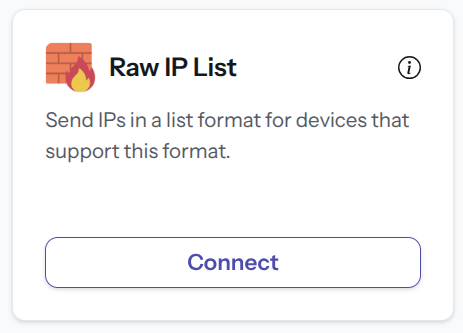
In the Integrations page, click Connect under the Raw IP List card.
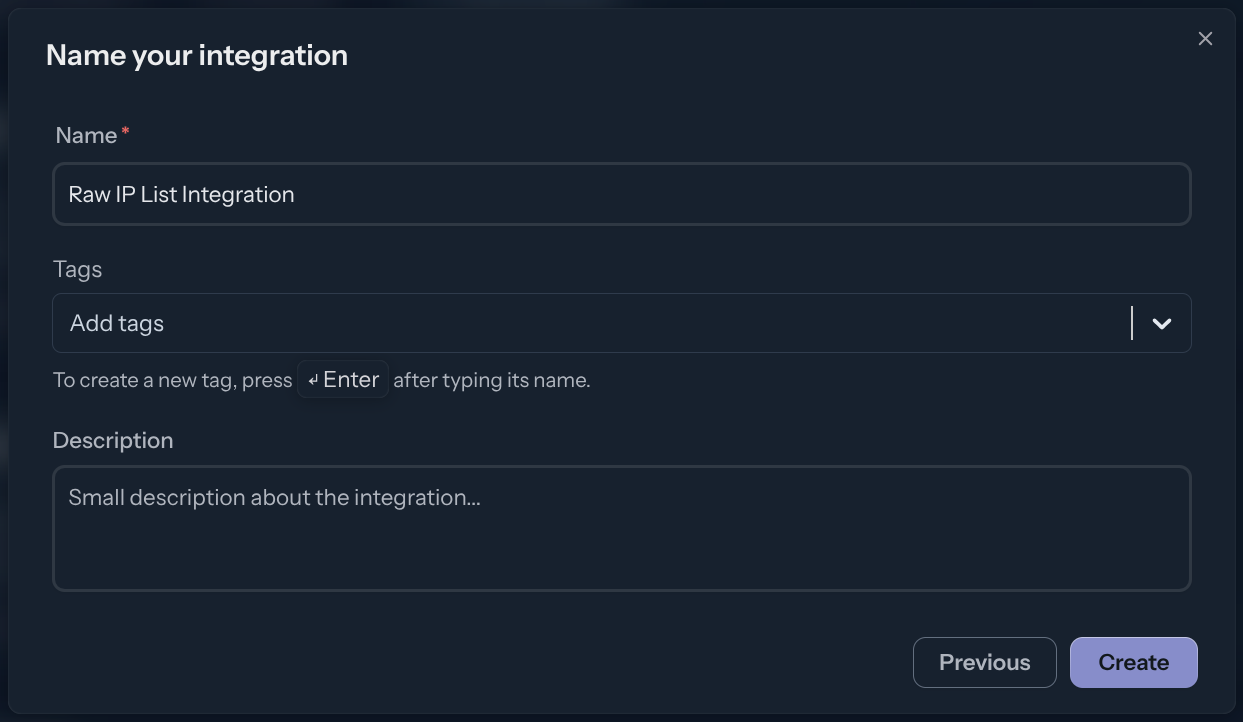
Name the integration (must be unique to your account), then click Create.
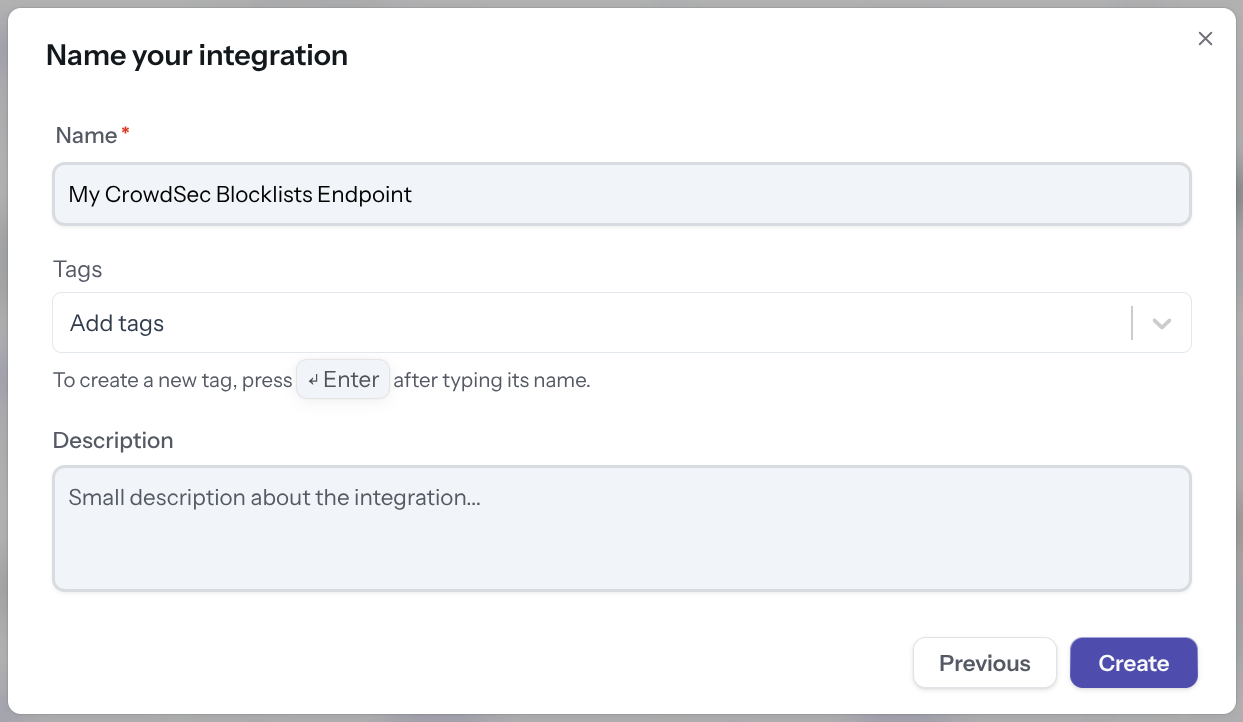
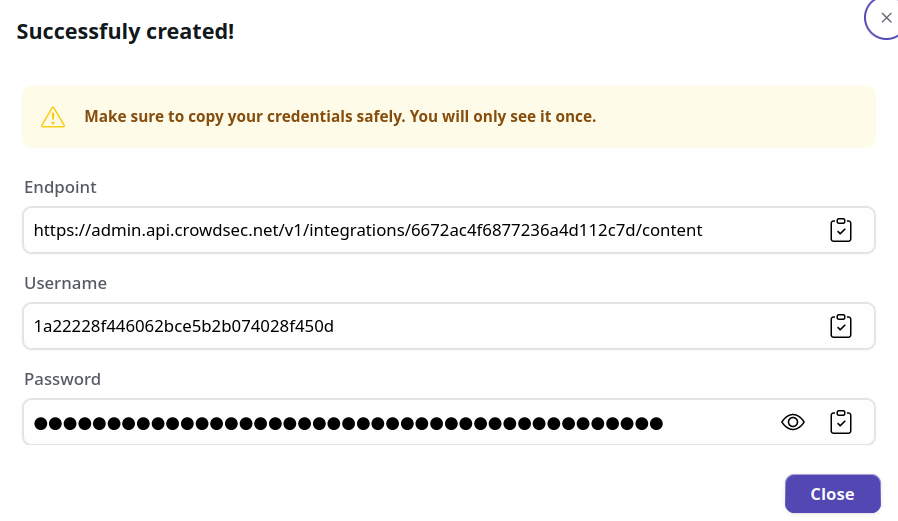
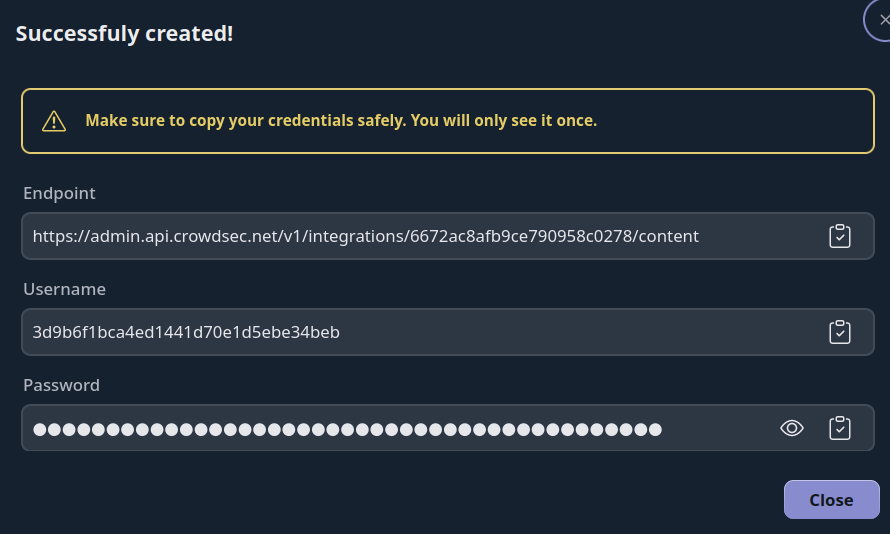
You now have an HTTPS endpoint and Basic Auth credentials. You can verify the endpoint with any HTTP client, for example:
curl -u 'username:password' https://admin.api.crowdsec.net/v1/integrations/${content_id}/content
Format example
192.168.38.187
192.168.38.186
Manage integration size limits with pagination
If you want to learn how to manage integration size limits with pagination, please refer to the Managing integrations size limits with pagination section.
Next Steps
Subscribe to blocklists in the Blocklist Catalog to populate your integration.