Juniper
The CrowdSec Juniper integration connects CrowdSec's hosted blocklist endpoint to your Juniper router.
Juniper calls this feature Security Dynamic Address feeds, which allow you to import and automatically update IP address lists from external feed servers.
Step 1 — Create the integration in the CrowdSec Console
In the Integrations page, click Connect under the Juniper card.
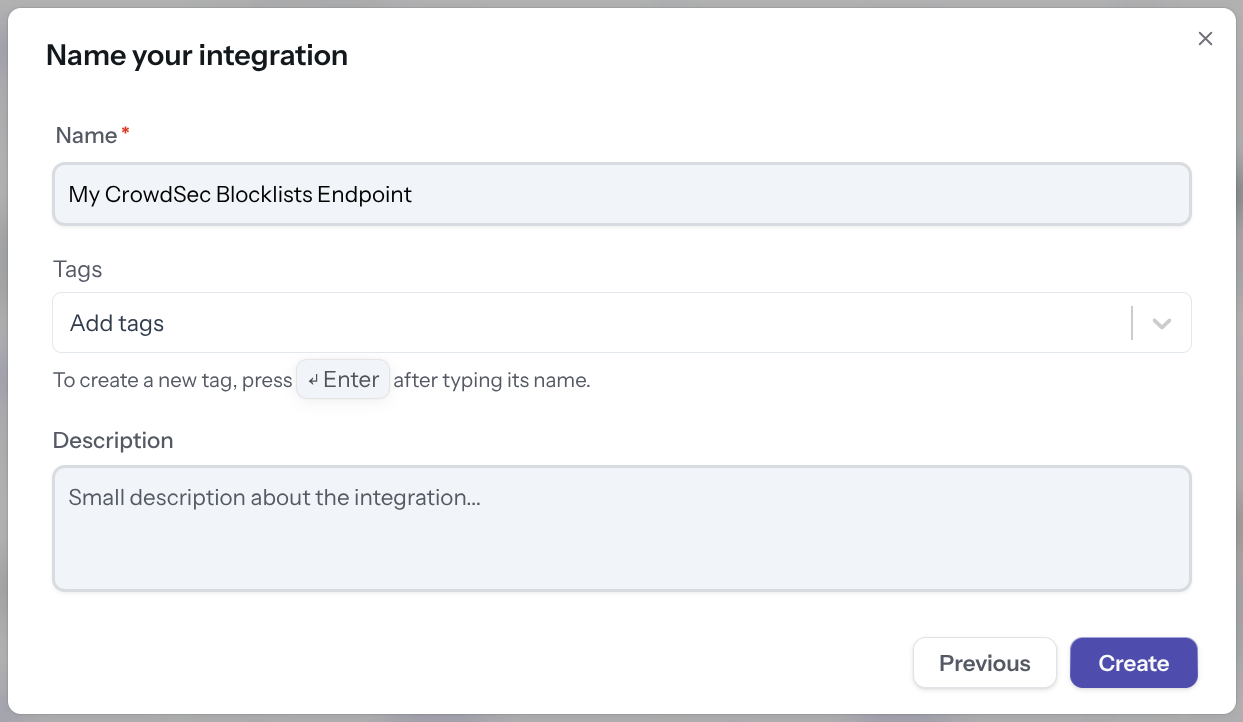
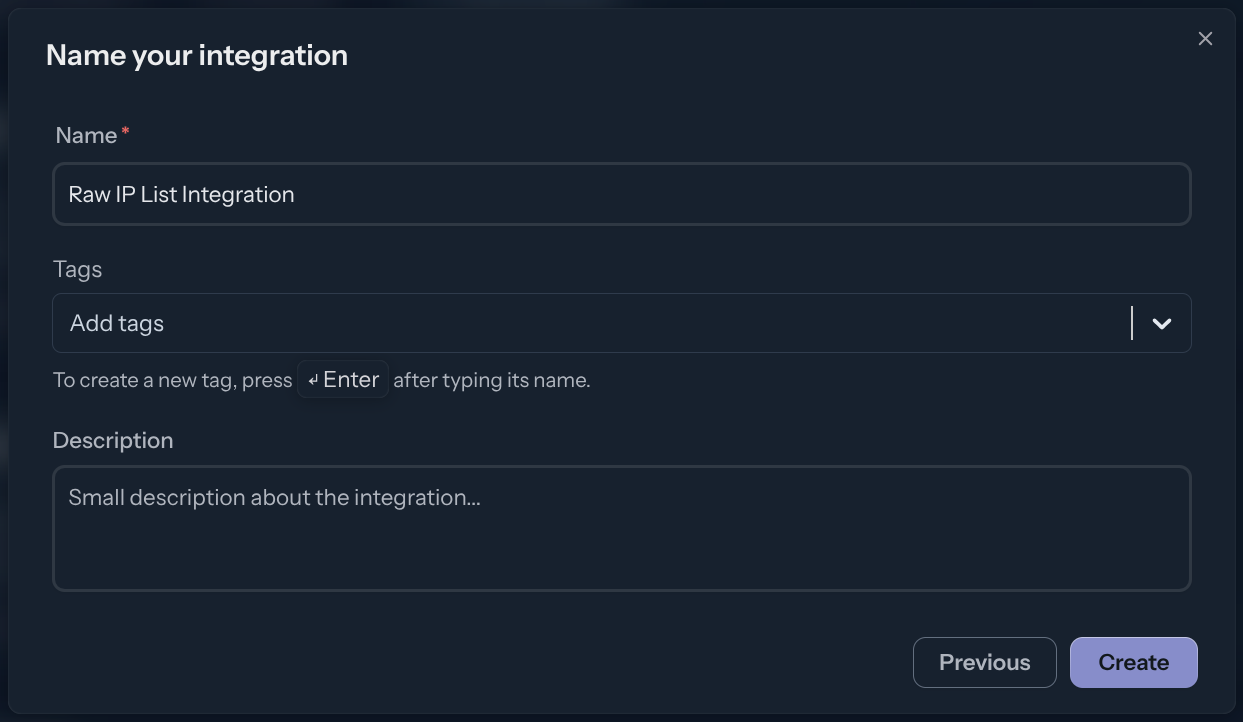
Name the integration (must be unique to your account), then click Create.
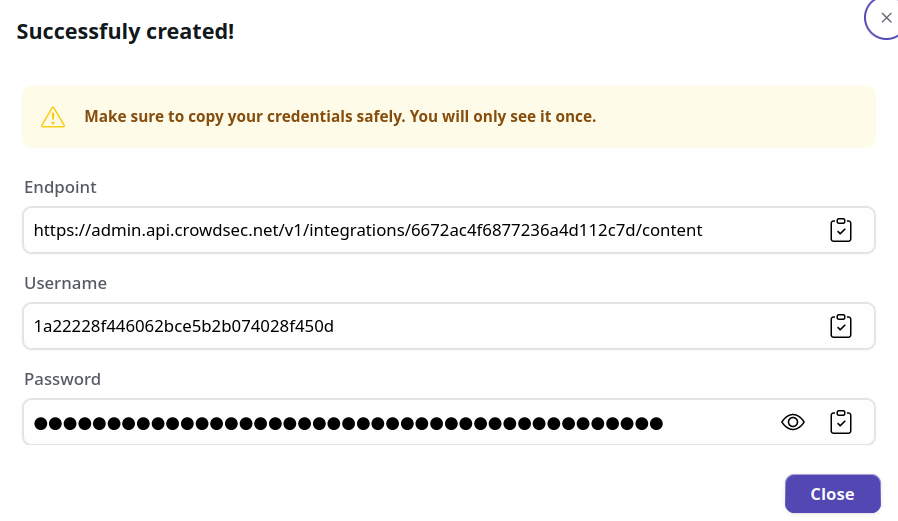
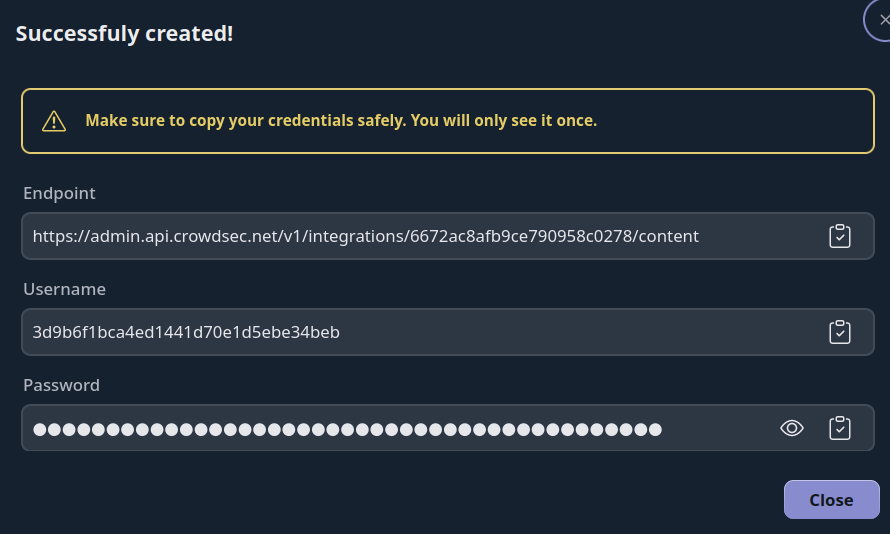
You now have an HTTPS endpoint and Basic Auth credentials to configure on your Juniper device.
Step 2 — Configure Juniper
Define the feed server
set security dynamic-address feed-server crowdsec-feed description "CrowdSec Feed"
set security dynamic-address feed-server crowdsec-feed url https://<USERNAME>:<PASSWORD>@admin.api.crowdsec.net
Define the threat feed and update interval
set security dynamic-address feed-server crowdsec-feed feed-name crowdsec-feed description "CrowdSec Feed"
set security dynamic-address feed-server crowdsec-feed feed-name crowdsec-feed path /v1/integrations/<integration_id>/content
set security dynamic-address feed-server crowdsec-feed feed-name crowdsec-feed update-interval 1440 hold-interval 43200
Define the AddressName-to-ThreatFeed mapping
set security dynamic-address address-name crowdsec-feed address-name crowdsec-feed feed-name crowdsec-feed
Review and commit the configuration
show security dynamic-address
The output should look like this:
feed-server crowdsec-feed {
    description "CrowdSec Feed";
    url https://<USERNAME>:<PASSWORD>@admin.api.crowdsec.net;
    feed-name crowdsec-feed {
        description CrowdSec Feed;
        path /v1/integrations/<integration_id>/content;
        update-interval 120;
        hold-interval 43200;
    }
}
address-name crowdsec-feed {
    profile {
        feed-name crowdsec-feed;
    }
}
Manage integration size limits with pagination
If you want to learn how to manage integration size limits with pagination, please refer to the Managing integrations size limits with pagination section.
References
Next Steps
Subscribe to blocklists in the Blocklist Catalog to populate your integration.