Integrations
CrowdSec Blocklist Integrations — also known as Blocklist as a Service — give you a secure, hosted HTTPS endpoint serving live blocklists that you configure your firewall or security tool to pull from.
You don't host anything: CrowdSec updates the blocklists multiple times per day, and your device fetches them on a schedule you control.
Each integration represents a unique endpoint protected by Basic Authentication (username + password), consumable by any HTTP-capable device or software.
Choosing the right integration
| Your situation | Recommended integration |
|---|---|
| Your firewall supports external IP list ingestion | Use the dedicated page for your vendor in the table below |
| Any HTTP-capable device not listed | Raw IP List — one IP per line, works in the vast majority of cases |
| Platforms without native IP list ingestion (Cloudflare, AWS WAF, etc.) | Remediation Component — CrowdSec's own integration layer |
Refresh frequency
Blocklists are updated multiple times per day. Configure your device to pull on the following schedule:
| Tier | Recommended refresh | Minimum allowed interval |
|---|---|---|
| Community / Premium | Every 24 hours | 24 hours |
| Platinum | Every hour | 1 hour |
Available integrations
Firewall integrations
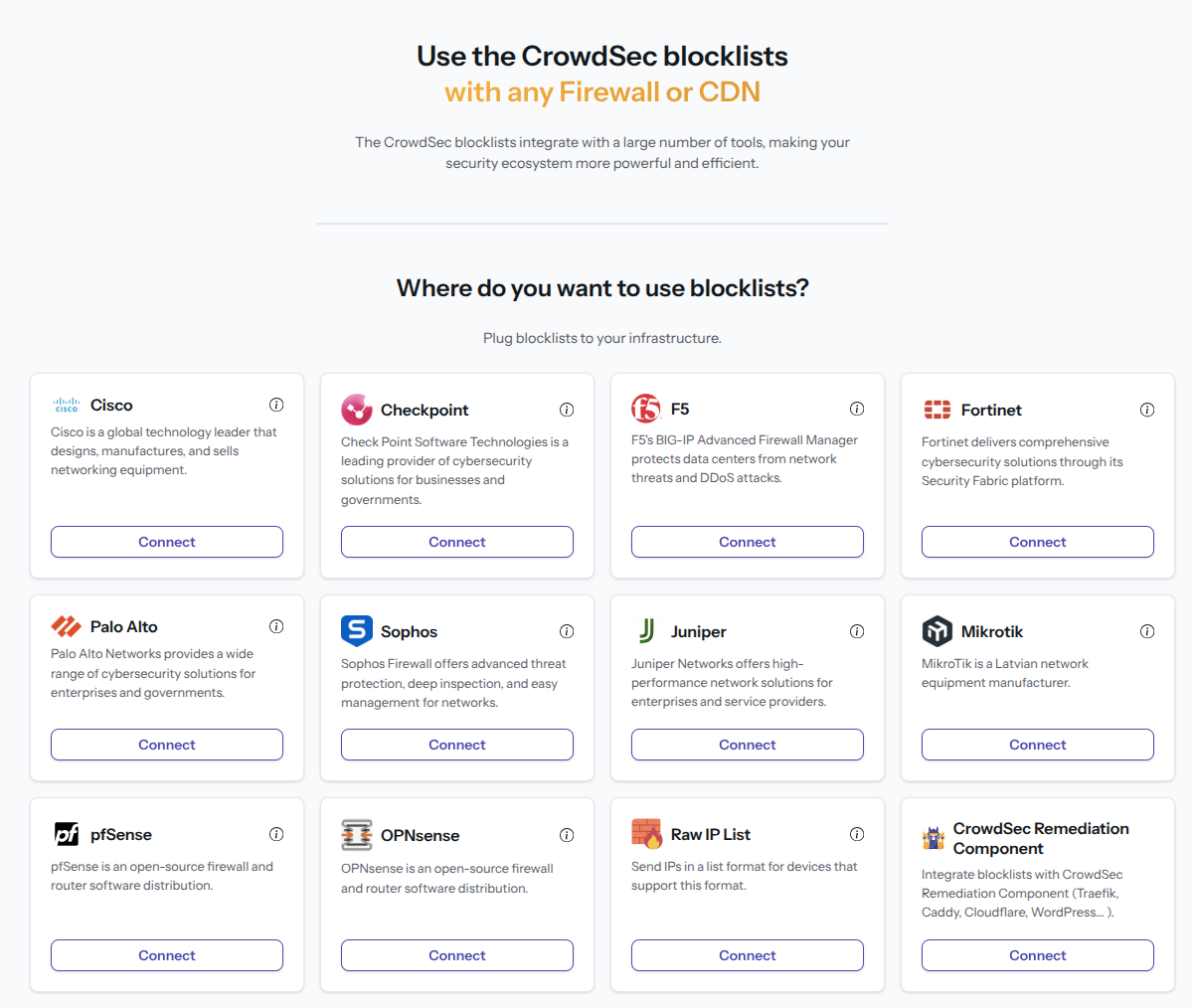
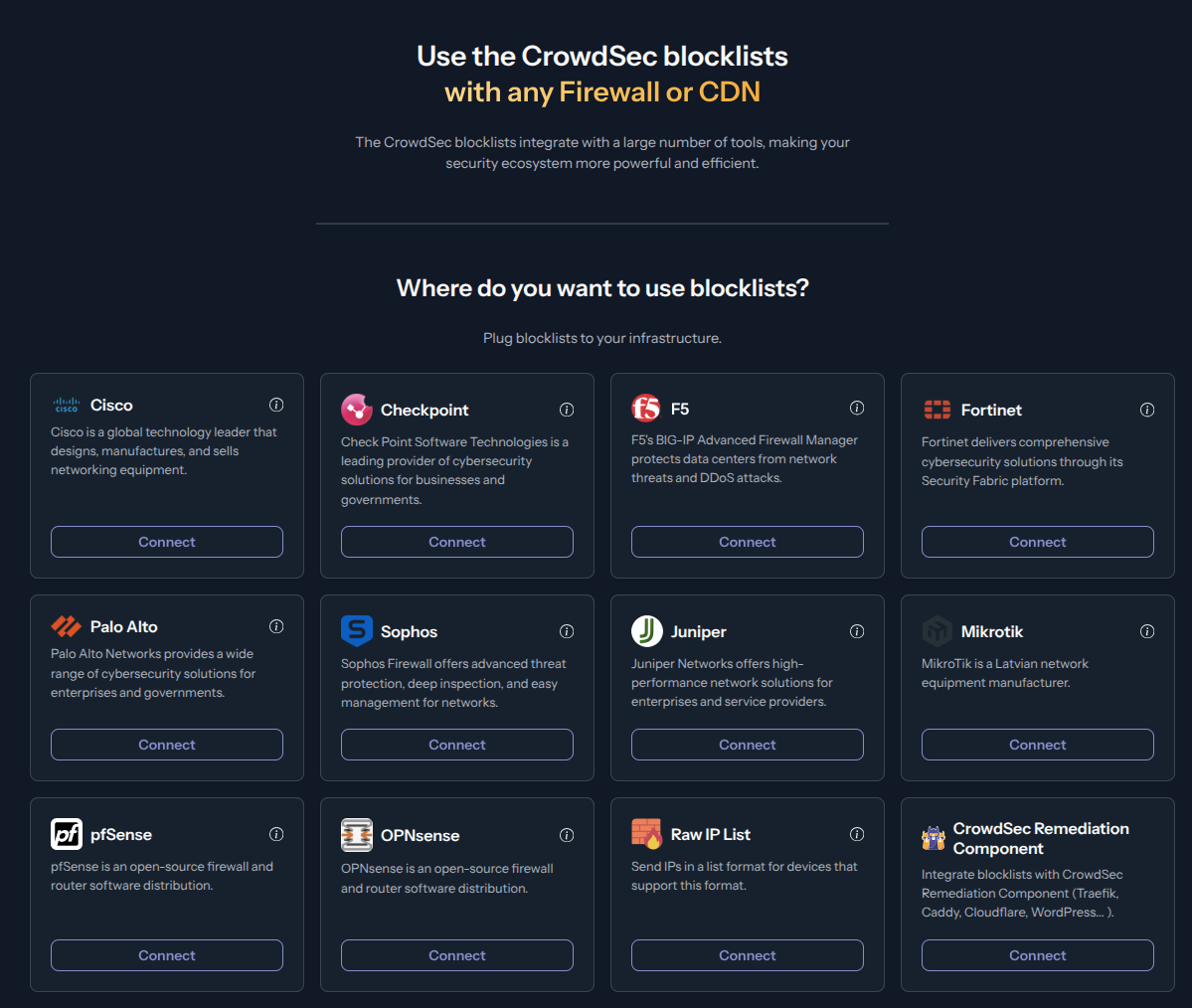
Each vendor page explains how to create the integration in the CrowdSec Console and includes a link to the vendor's own documentation on how to configure ingestion on the firewall side.
| Firewall | Vendor feature name |
|---|---|
| Checkpoint | Custom Intelligence (IoC) Feeds |
| Cisco | Security Intelligence feeds |
| F5 | External IP blocklist / Feed lists |
| Fortinet | IP address Threat Feeds |
| Juniper | Security Dynamic Address feeds |
| Mikrotik | — |
| OPNsense | URL Table (IPs) aliases |
| Palo Alto | External Dynamic Lists (EDL) |
| pfSense | URL Table (IPs) aliases |
| Sophos | Third-Party Threat Feeds |
Other integrations
- Raw IP List — generic format, works with any HTTP-capable device
- Remediation Component — for platforms without native IP list ingestion (Cloudflare, AWS WAF, etc.)
Setup a Blocklist Integration Endpoint
- 1- Create an integration
- 2- Remediation Component
- 3- Save your credentials
- 4- Subscribe to blocklists
Step 1 — Create an integration in the CrowdSec Console
In your CrowdSec Console account, navigate to the Blocklist tab in the top menu bar, then select the Integrations sub-menu. Choose the integration type you need, then click Connect.
Step 2 — Fill in integration details
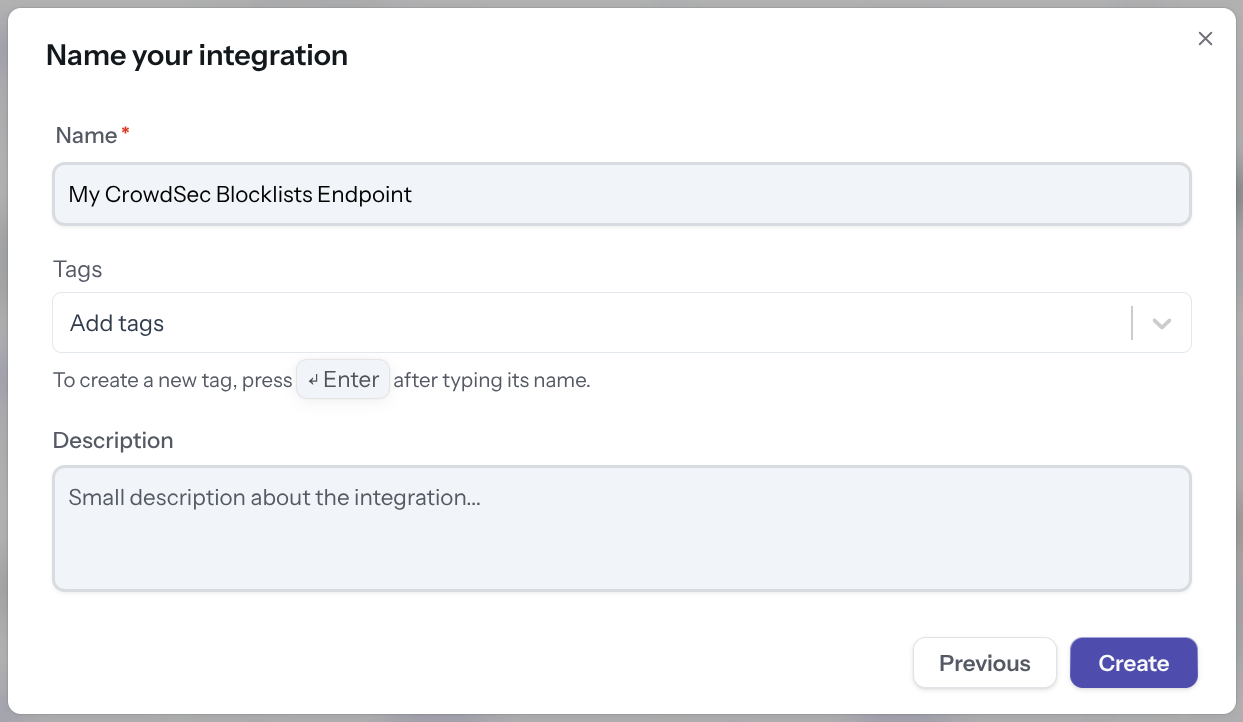
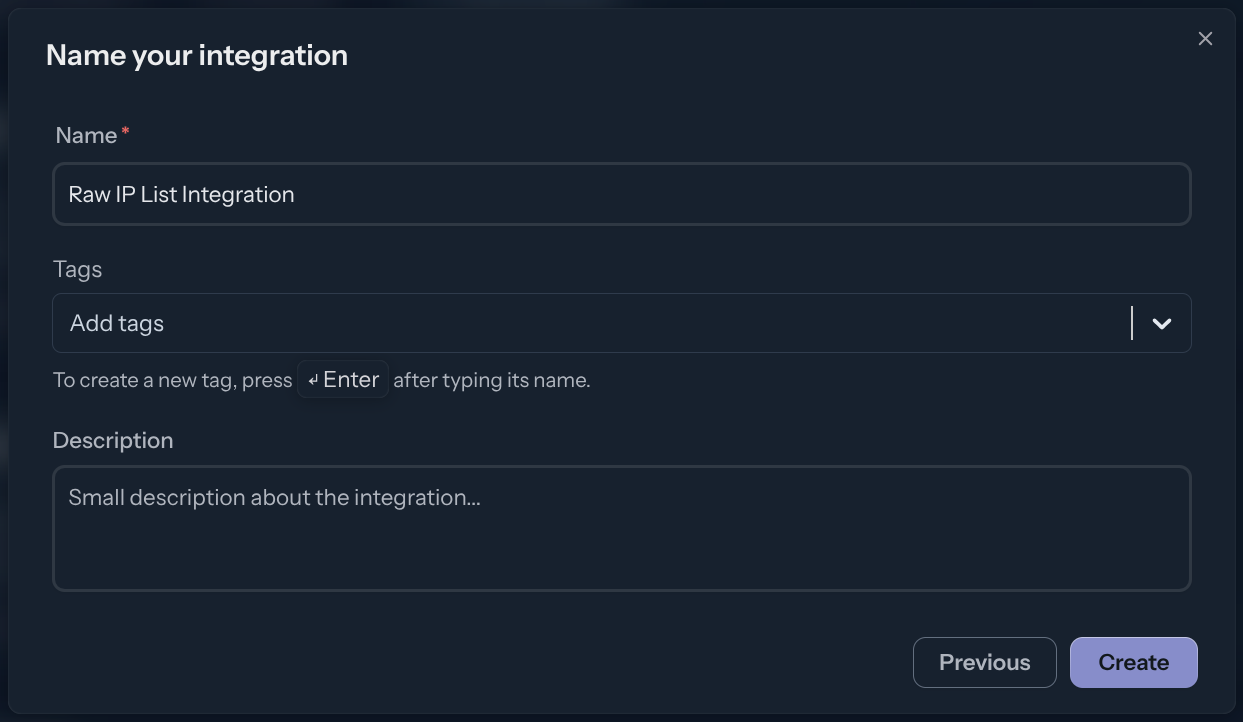
Name the integration (must be unique to your account) Optionally, add a description and tags to help you identify it later. Then click Create.
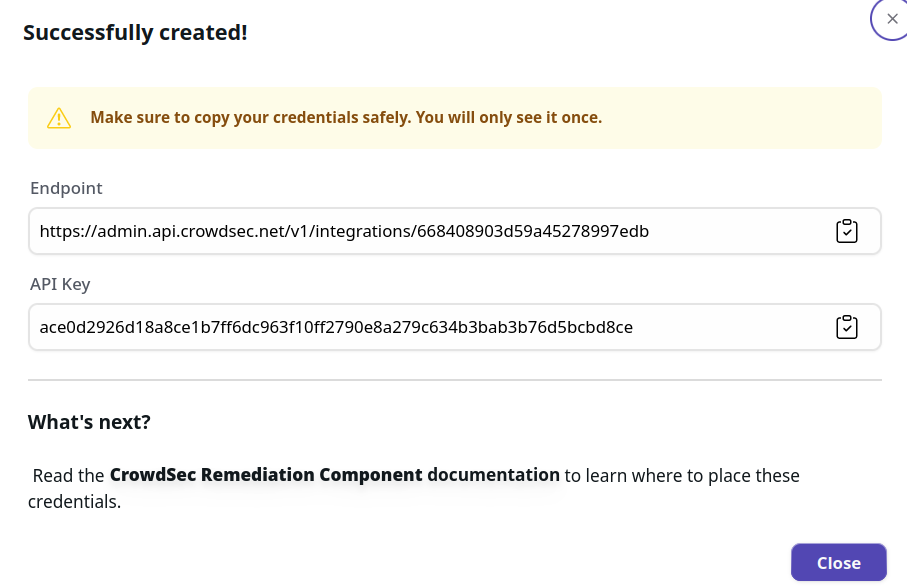
Step 3 — Copy your credentials
- [BasicAuth]
- [Remediation Component]
With this HTTPS endpoint and Basic Auth credentials, you can verify the endpoint with any HTTP client, for example:
curl -u 'usr:pass' https://admin.api.crowdsec.net/v1/integrations/$integID/content
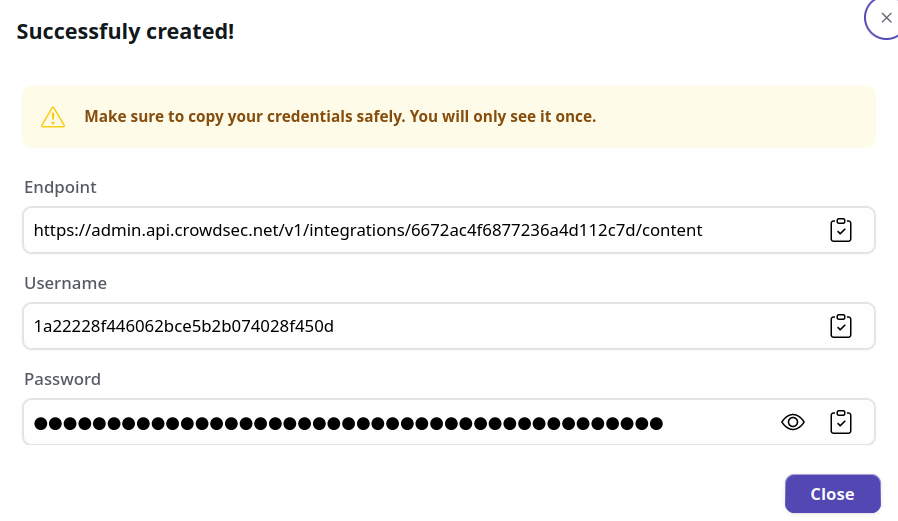
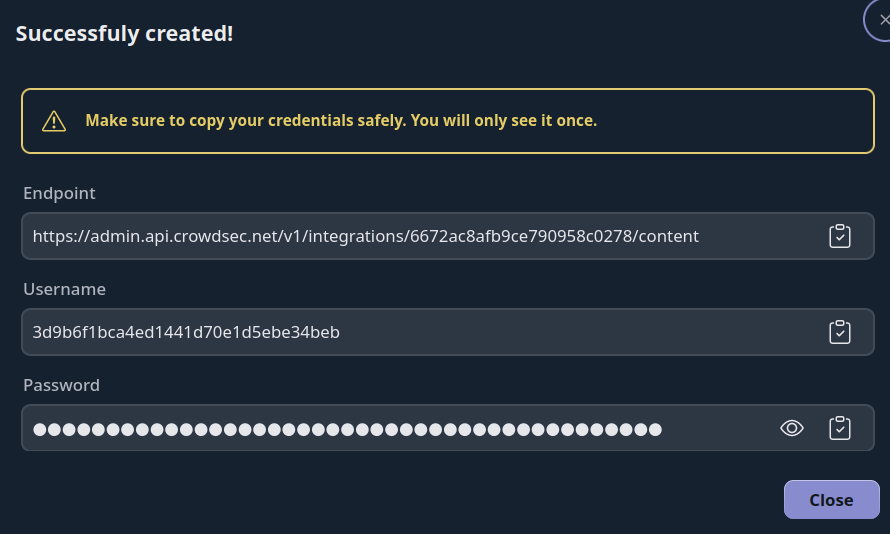
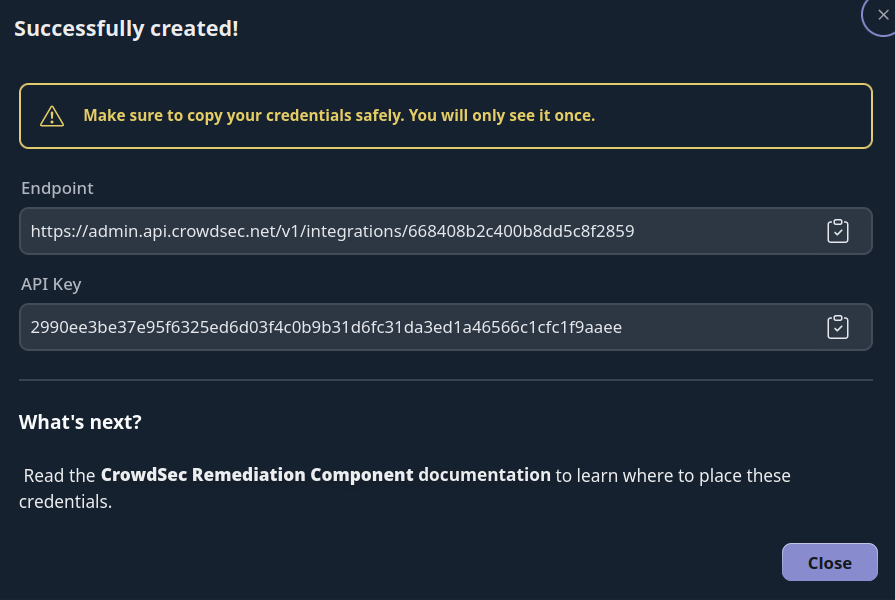
The Remediation Component integration provides you with an API key to copy into your Remediation Component config file, along with the endpoint URL.
Step 4 — Subscribe to Blocklists
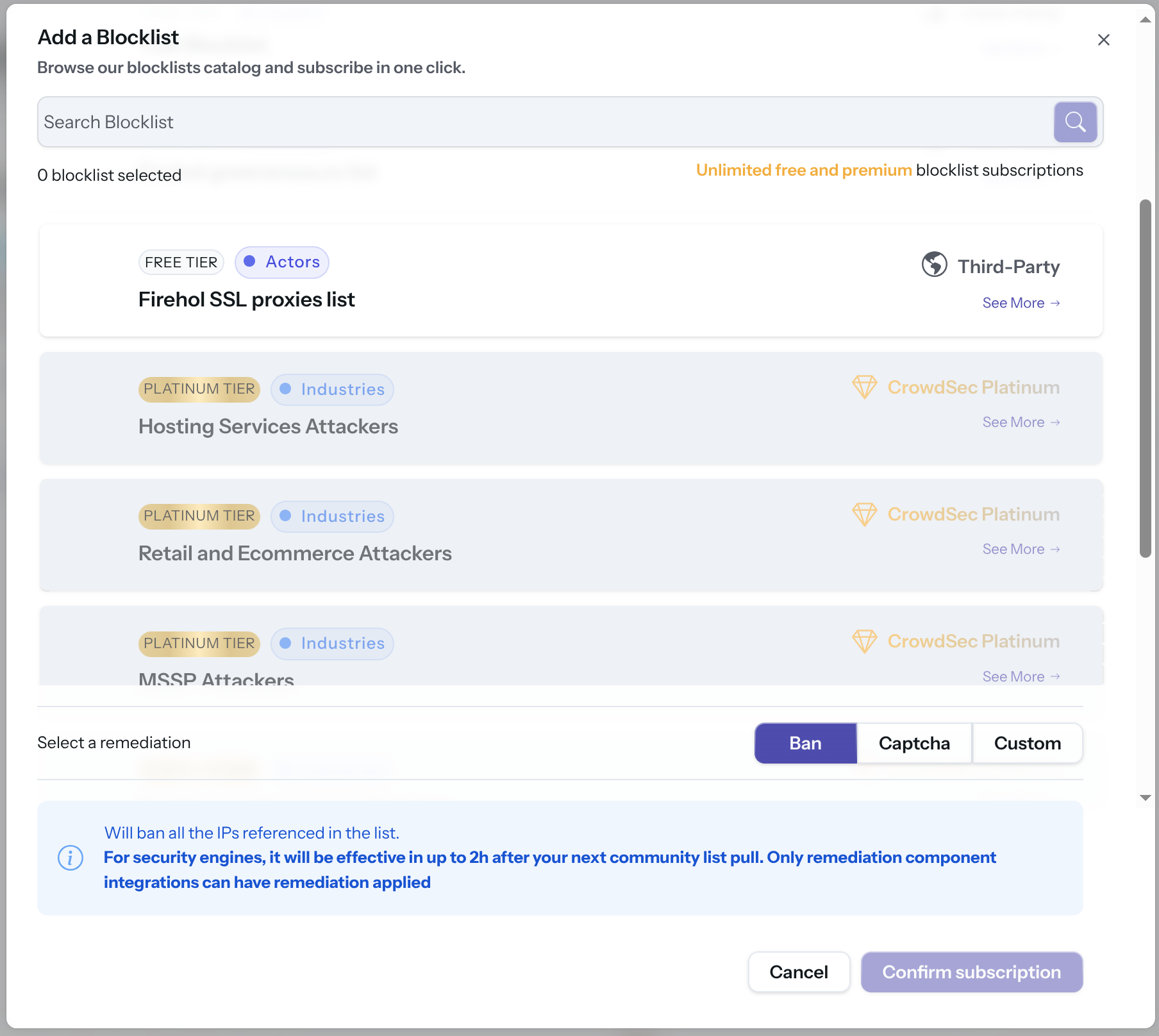
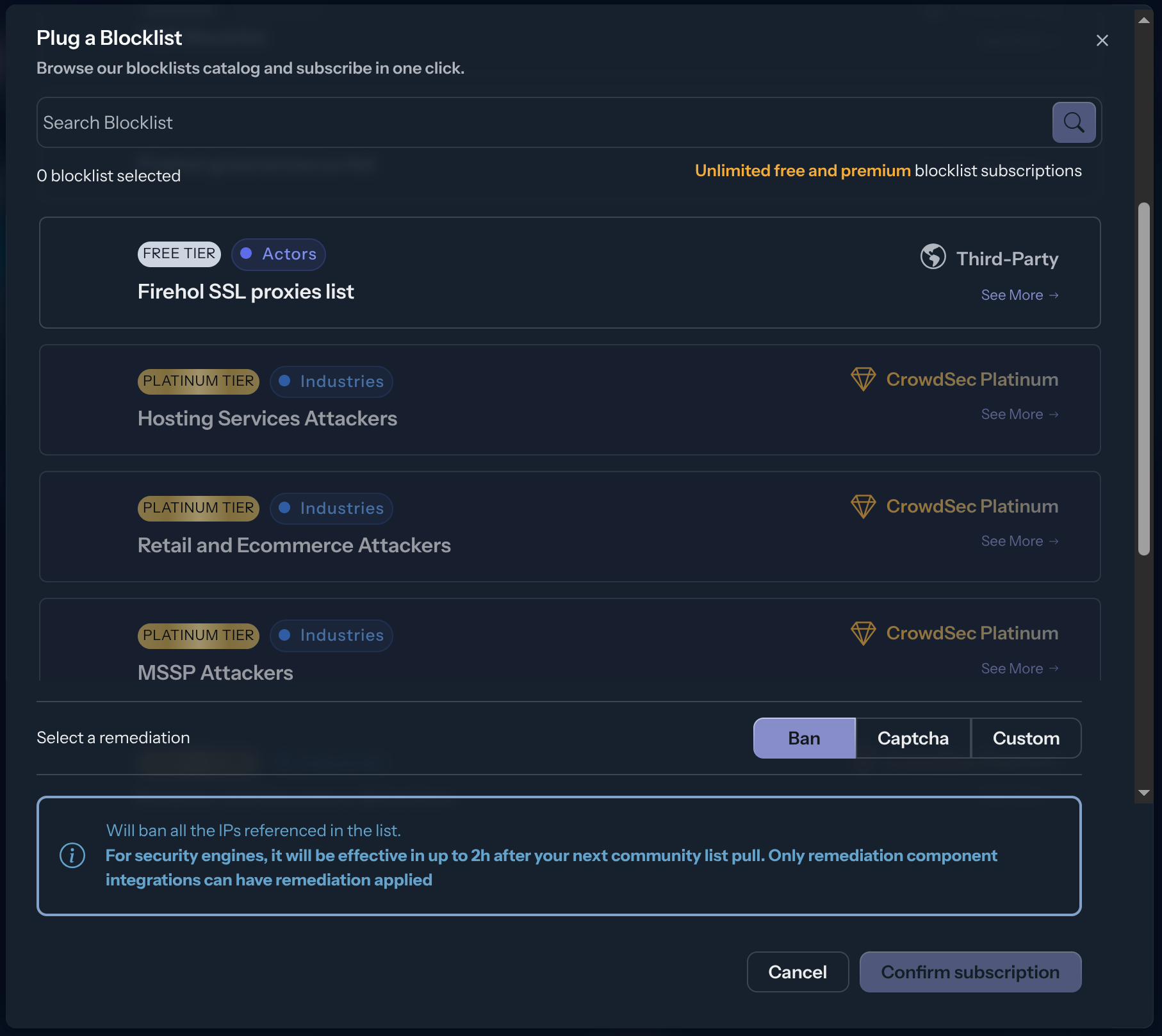
The integration endpoint will serve the deduplicated blocklists it's subscribed to. After creation, a subscription pop-up appears automatically. You can also access it later via the Add Blocklist button.
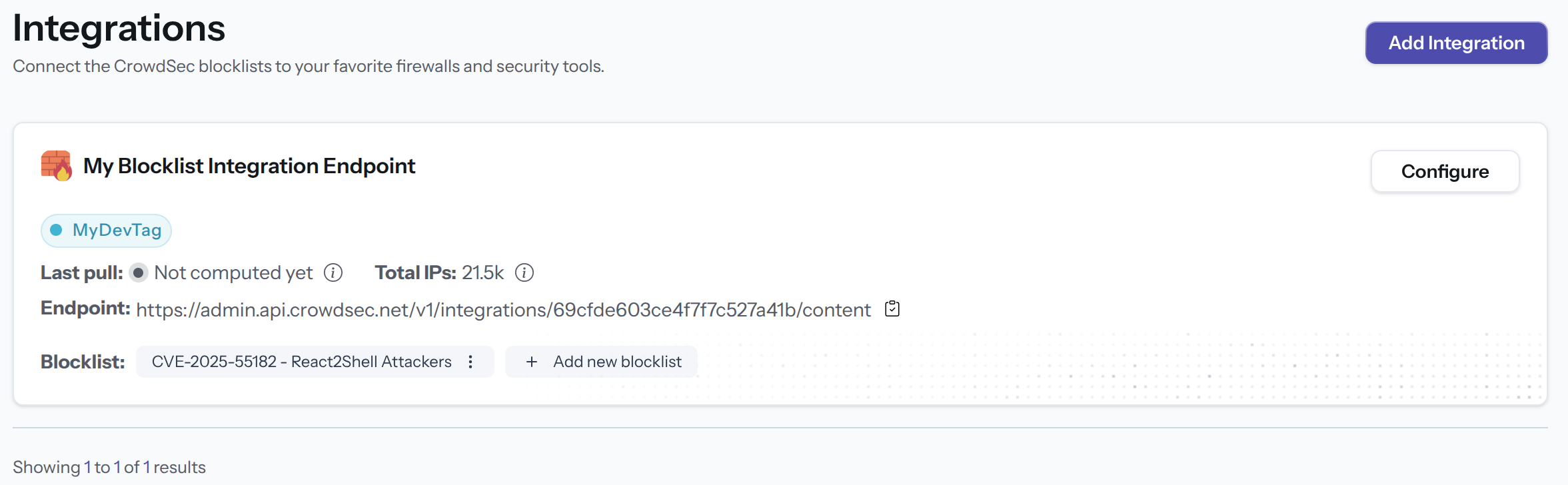
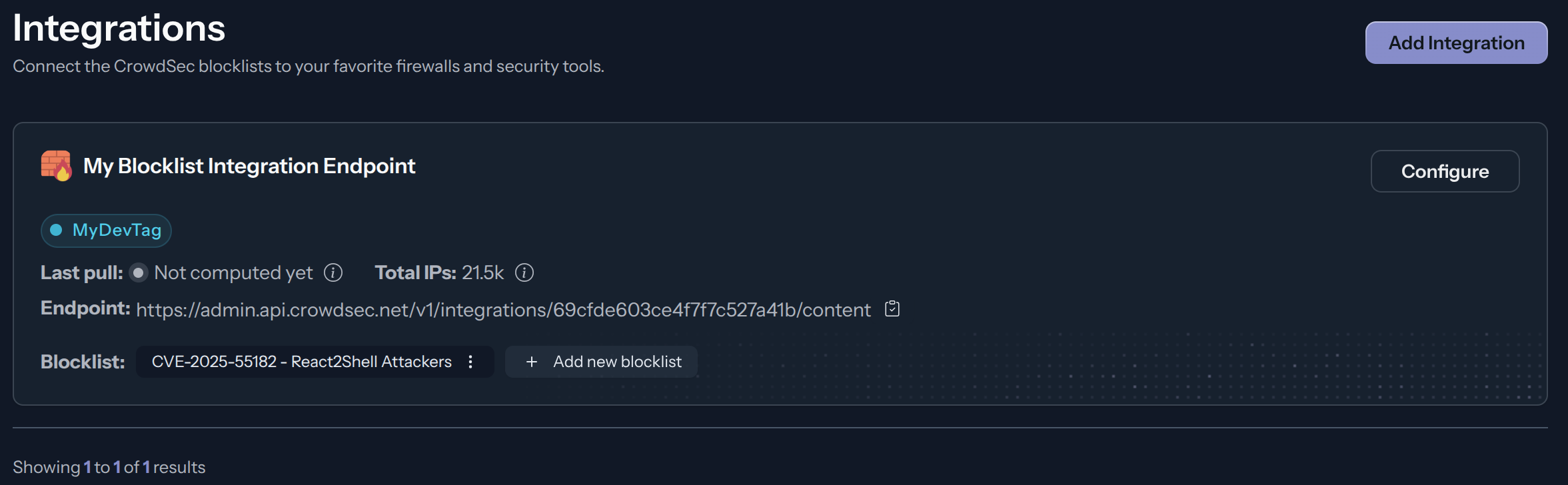
Select one or more blocklists available for your plan, then click Confirm Subscription. The blocklist name(s) will appear in the integration tile once subscribed.