Cisco
The CrowdSec Cisco integration connects CrowdSec's hosted blocklist endpoint to your Cisco firewall.
Cisco calls this feature Security Intelligence feeds, which provide dynamic threat intelligence that can be used in your firewall policies.
Step 1 — Create the integration in the CrowdSec Console
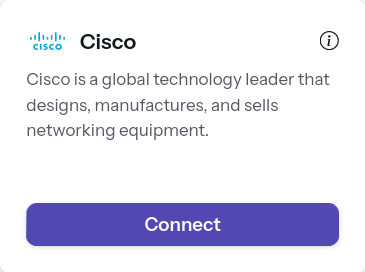
In the Integrations page, click Connect under the Cisco card.
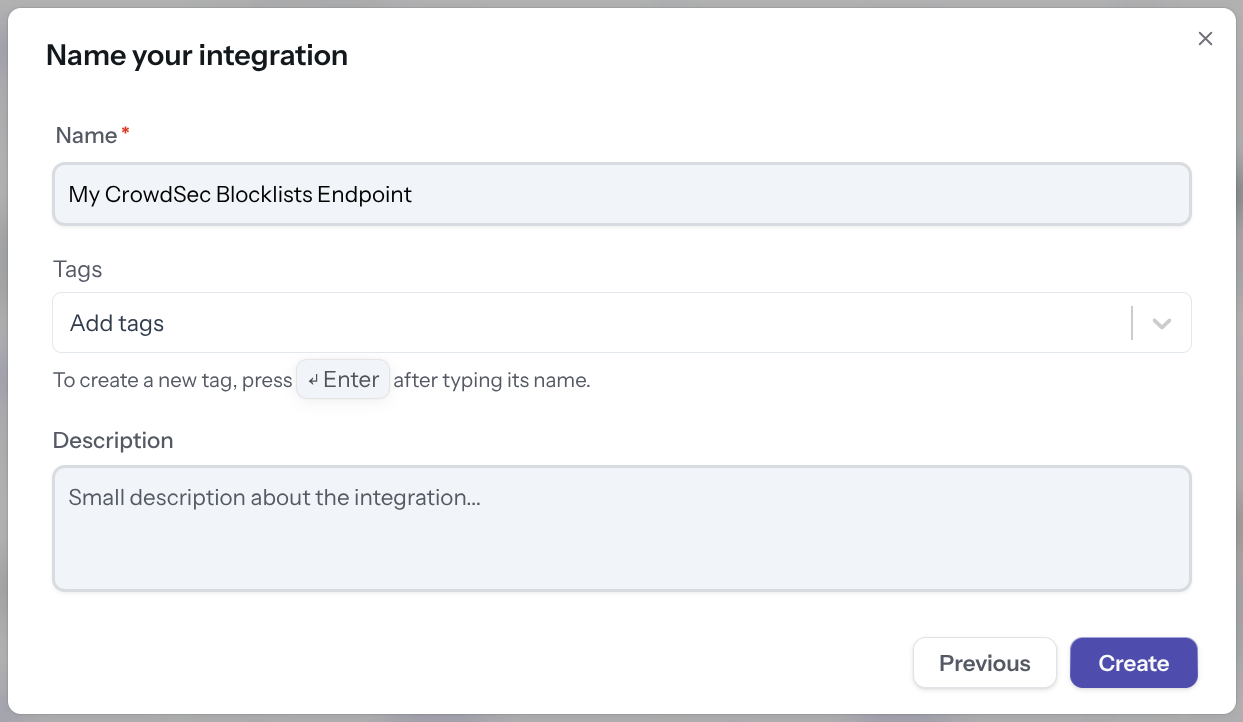
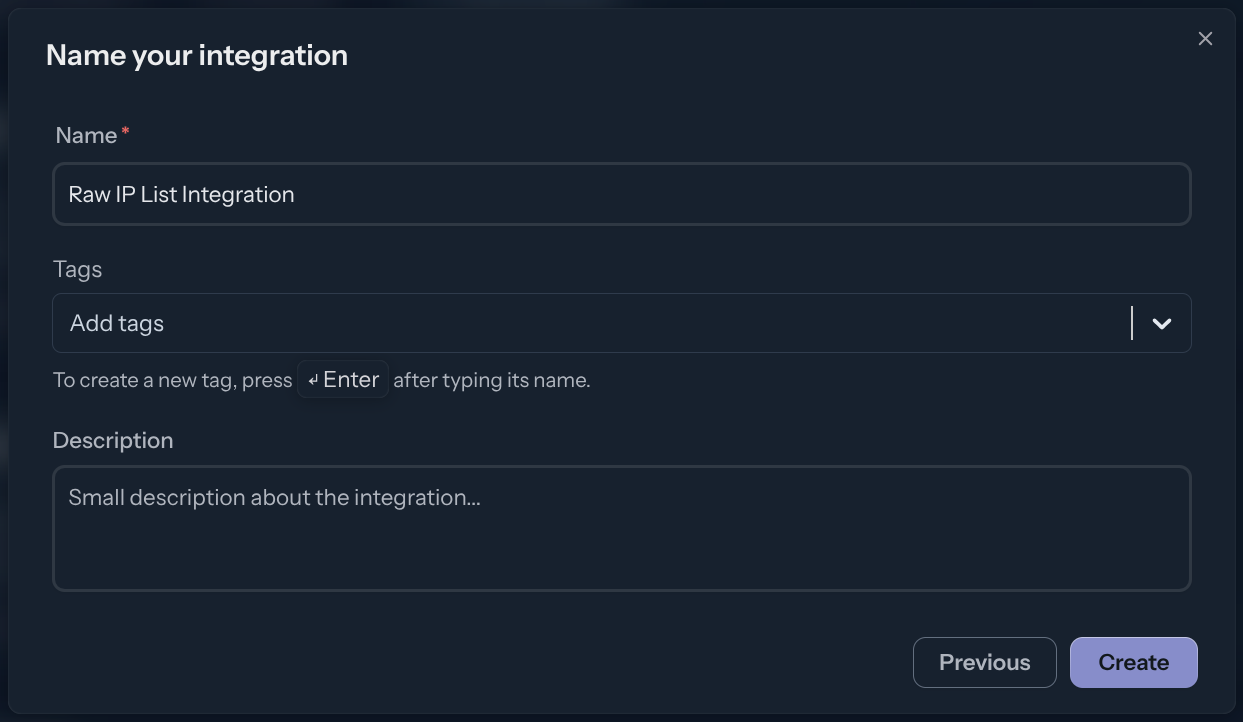
Name the integration (must be unique to your account), then click Create.
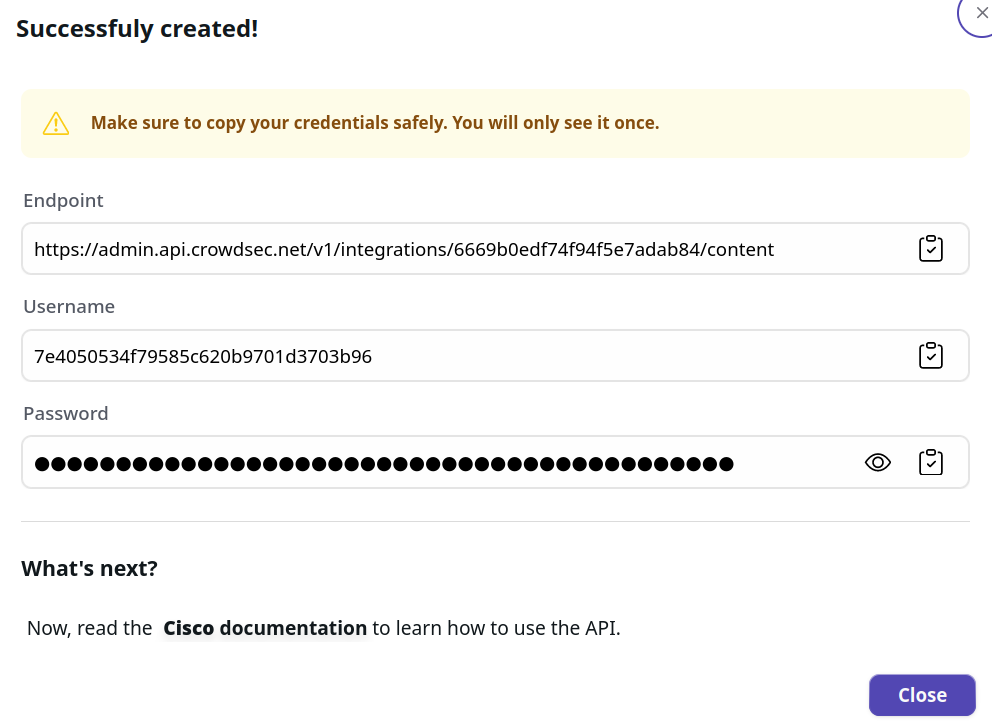
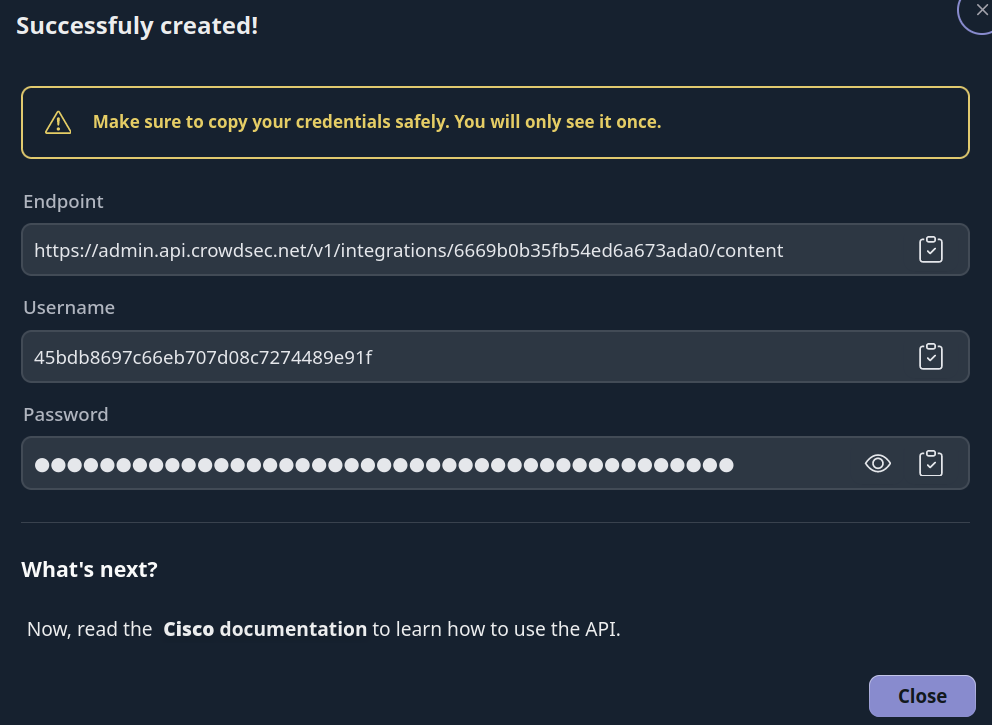
You now have an HTTPS endpoint and Basic Auth credentials to configure on your Cisco device.
Manage integration size limits with pagination
If you want to learn how to manage integration size limits with pagination, please refer to the Managing integrations size limits with pagination section.
References
Next Steps
Subscribe to blocklists in the Blocklist Catalog to populate your integration.